

BYOB - Build Your Own Buzz

Ship a full web app from one prompt.

Describe the product once. BYOB plans the UX, writes production-ready SvelteKit code, connects the pieces, and keeps everything editable while you iterate.

What do you want to build?
1
prompt to start
3
live panes
24/7
edge preview
Community showcase

Everything is possible with BYOB.

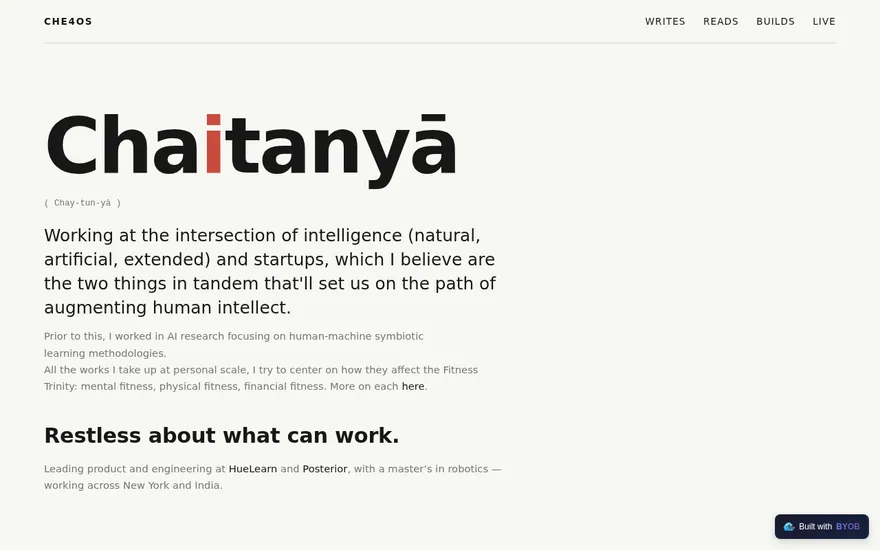
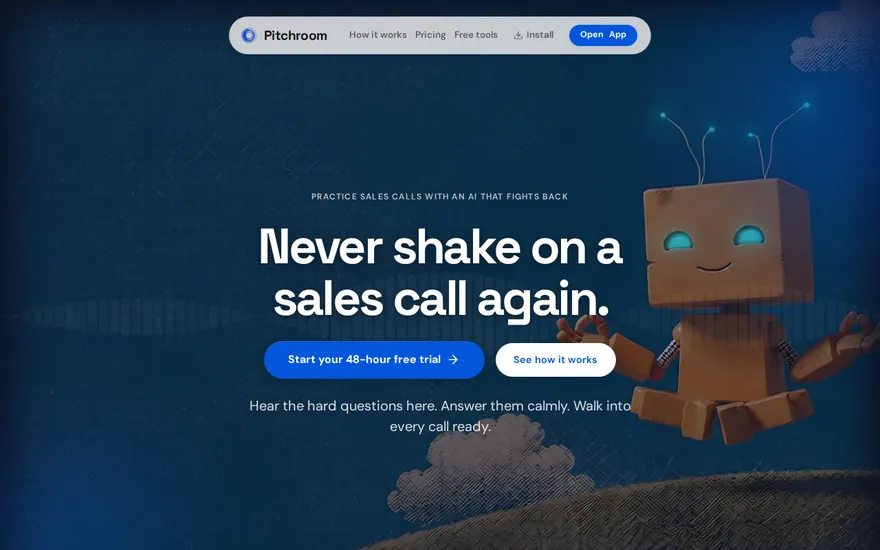
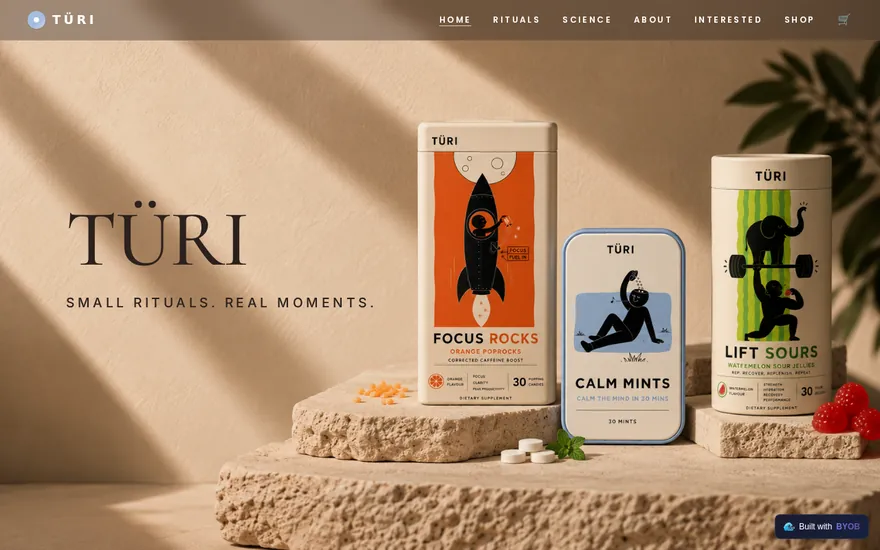
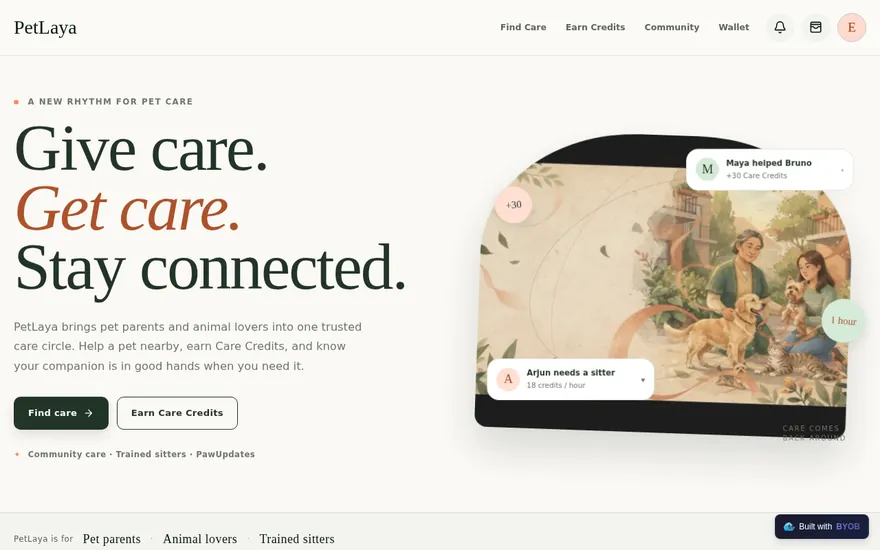
Pick a product type and see how one prompt can become a real app shape: preview, features, workflow, and deploy path included.

byob.page/dashboard Live preview
Build the internal tool your team keeps asking for. preview

Prompt recipe

Build the internal tool your team keeps asking for.

Make an operations dashboard with tables, filters, roles, and weekly reporting views.

Data tables
Role views
Filters
Reports
View showcase
Live workspace

Code, chat, and preview in one place.

The workspace is built for repeated product work, not disposable demos. Every generated file stays inspectable, every change is visible, and every follow-up can target the exact part of the app you care about.

Active
Code Editor
TodoPage.svelte
+3
1<script lang='ts'>
2type Task = { id: string; title: string; done: boolean }
3let tasks = $state<Task[]>([])
4
5function addTask(title: string) {
6tasks.push({ id: crypto.randomUUID(), title, done: false })
7}
8function toggleTask(id: string) {
9const task = tasks.find((t) => t.id === id)
10if (task) task.done = !task.done
11}
12</script>
BYOB AI Assistant

Build Plan

Simple Todo App

PROMPT "Build a todo app for beginners"
OUTPUT Add, toggle, and progress summary
Completed
Task Completed
Built main page UI, task list component, and a clear empty-state message for first-time users.
Quick Actions +
Gemini Chat Act
Type a request... for example: "Add due dates and filter by done"
Live Preview
/
TD

Team Tasks

Simple, shared task tracking

Today
Upcoming
Completed
My Tasks

Design landing page

Online

Wireframe approved. Next step is responsive polish and QA.

Built for shipping

The parts that usually slow you down are already here.

BYOB handles product planning, implementation, preview, testing, database work, and deployment from one focused interface, with Codex agent access and production analytics when you want to keep working from your own terminal.

Visual editing

Click elements in the live preview and ask BYOB to refine copy, spacing, colors, or behavior.

Version rollback

Move between saved app states with clear messages, so experiments never trap your project.

One-click deploy

Publish production builds without stitching together hosting, config files, and build steps.

Team collaboration

Invite teammates and keep sessions coordinated so work does not overwrite itself.

AI testing agent

Run full-site or feature-focused checks and get implementation-level feedback.

Codex plugin

Install BYOB CLI so Codex can read project context, edit code, test previews, deploy, and surface billing links.

Deployment analytics

Inspect deployed Worker traffic, errors, CPU timing, subrequests, and custom-domain status from the workspace.

Supabase aware

Read schemas, draft migrations, generate types, and keep app code aligned with your data.

Vision inputs
Voice coding
Project templates
SEO-ready output
Context tracking
Model lock
Prompt to app

From first prompt to a workspace you can ship.

Start conversationally, approve the shape, let Tool Mode implement, then refine and deploy from the same workspace.

01

Describe the product

Start with the outcome, audience, and any constraints. BYOB turns the idea into a practical build plan.

02

Shape the UX

Review the proposed flows, screens, data needs, and visual direction before code starts moving.

03

Generate the app

Tool Mode writes SvelteKit code, connects integrations, and keeps each change visible in preview.

04

Test and refine

Ask for edits, roll back when needed, run checks, and keep the project editable instead of disposable.

05

Deploy

Ship the finished app, connect domains, and keep iterating from the same workspace.

BYOB CLI

Bring Codex into your BYOB projects.

Install BYOB CLI once, approve only the projects it can touch, then let Codex read context, edit files, test previews, deploy, and handle credit links from your local terminal.

Approve project access from BYOBLong-lived auth with refreshPreview, deploy, DNS, credits, and code tools
Install command npm
npx -y byob-cli codex install --client-name "Codex"
Workspace layout

Three panes, one build loop.

The layout keeps code, intent, and rendered output visible together so you can reason about the product instead of hunting through tabs.

Editor

Generated code stays visible and ready for precise follow-up changes.

AI command center

Plan, ask, implement, test, and recover without leaving the workspace.

Live preview

See the application update while BYOB changes UI, data, and behavior.

Chat Mode

Use it for strategy, architecture, explanation, product thinking, and tradeoff analysis.

Tool Mode

Use it when BYOB should edit files, wire services, run checks, and move the project forward.

Data and deploys

Connect the backend without leaving the builder.

Use BYOB with managed storage, Supabase projects, custom domains, and production deploys from one project workspace.

Supabase integration

Connect your Supabase project so BYOB can inspect schemas, draft migrations, generate TypeScript types, and keep auth flows aligned with the app.

BYOB DB

Use the managed SQLite database for apps that need durable storage without separate database operations.

Domains and deploys

Connect custom domains with guided DNS checks, automatic SSL, and one-click production deploys.

Simple pricing

Start with credits, upgrade when usage is steady.

Pay as you go when you are exploring. Move to Pro or Max when BYOB becomes part of your regular build workflow.

Pay as you go

$0

$1 = 100 credits

Max

$79

8,000+ credits/mo

Enterprise

Custom

White-label and SSO

Build the first version today.

Start with one clear prompt. BYOB will help turn it into a product you can inspect, edit, test, and ship.

Start building

Loved by builders

Rated 4.9/5 by developers and founders using BYOB to move from idea to shipped product.

Frequently Asked Questions

Everything you need to know about BYOB

What is BYOB?
BYOB (Build Your Own Buzz) is an AI-powered workspace that lets you build, edit, and launch web apps just by chatting. You describe it, we build it.
Do I need to know how to code?
Not at all. You can build complex apps using plain English. However, if you are a developer, we provide a full code editor for you to tweak the details.
What kind of apps can I build?
You can build landing pages, dashboards, tools, blogs, and interactive web applications. The platform is optimized for modern, fast-loading web tech.
What technology does my app use?
Your apps are built on **SvelteKit** and **Vite**. This ensures they are incredibly fast, SEO-friendly, and use industry-standard code.
Do I own the code?
Yes, 100%. You can even export your project as a ZIP file.
How do I share it with others?
Use Publish to deploy your project to a live URL in seconds. You can then share that URL directly, enable public showcase listing, or connect your own custom domain.
Can I connect Codex or another coding agent?
Yes. Install BYOB CLI with npx -y byob-cli codex install --client-name "Codex", approve the projects it can access, and the agent can use scoped tools for project context, code edits, preview checks, deploys, DNS, and billing links.
How does BYOB keep agent access safe?
Agent access uses a BYOB approval flow tied to your login. You choose the allowed projects, tokens are scoped to those grants, and you can revoke agent grants later from BYOB tooling.
How does pricing work?
BYOB supports both **pay-as-you-go credits** and **Pro/Max subscriptions**. You can start with top-ups, then upgrade to monthly included credits when your build volume grows.
Do credits expire?
No, your purchased credits remain in your account until you use them.
Can I use a custom domain?
Yes. Paid plans include a guided custom domain flow with DNS record instructions, verification checks, and automatic SSL activation once your records propagate.
Can I see deployment analytics?
Yes. After publishing, BYOB can show Cloudflare Worker analytics such as requests, errors, error rate, CPU timing, subrequests, and recent traffic over selectable time windows.
Does BYOB include testing?
Yes. Paid plans include an AI testing agent with full-site and feature-based modes. Coding agents can also test the preview URL directly, and use the BYOB Testing browser extension when live clicks, screenshots, console logs, or network capture are needed.
Can agents help with credits or payments?
Yes. BYOB CLI exposes credit balance and payment URL tools. Agents can show you a BYOB pricing or top-up link, but they never collect card details or create checkout links themselves.
Can I switch AI models during one chat session?
BYOB locks one model per chat session to keep output consistent. To change models, start a new session.
What is context tracking in chat?
Context tracking shows how full the active session memory is. If context gets too high, start a new session or reset context for cleaner, more consistent output.
Can I use my own images?
Yes, you can upload images directly into the chat. The AI can even analyze your images to match designs or build what it sees.
What happens if I delete my project?
If you delete a project, it enters a 30-day grace period. After 30 days, all data associated with it is permanently erased from our servers for your privacy.
Is the AI secure?
We use top-tier AI models with a privacy-first layer. We do not use your private code to train models, and our partners adhere to strict data security standards.
Can I edit the code manually?
Yes. We provide a built-in VS Code-like editor where you can manually change files, install packages, and edit code alongside the AI.
Can I use BYOB on my phone?
Yes! BYOB is a Progressive Web App (PWA). You can install it on your phone and build or edit your websites on the go.